
Install 3D Transitions for OpenOffice 2.4
One of the major new features for OpenOffice 2.4 on Linux is the 3D capabilities for Impress, the presentation component. The new transitions are not part of the default install, but as an extension. If you’re an Impress user, you may be interested in installing it.
The 3D transitions extension is available in the Ubuntu 8.04 repositories. Click this link to install openoffice.org-ogltrans, or run the command below in your terminal:
sudo apt-get install openoffice.org-ogltrans
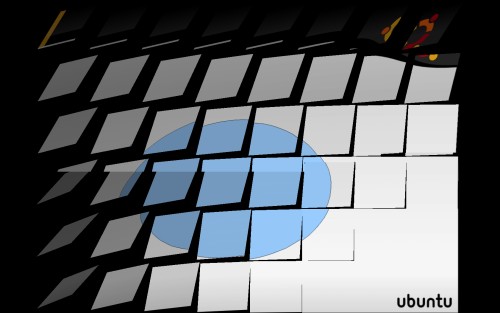
The package will add 14 new 3D transitions to OpenOffice Impress. The two I find the most impressive are Rochade and Turn around, which both look like something out of Compiz Fusion.
Archived Comments
Feinstein
And if you want to use the open clipart collection, you can istall it too.
Danilo Caio
Great tip Tom! :)
Thanks for share it.
See ya,
Danilo.
Anonymous
cool
i’ve been looking forward it for months
Srikar
ThnQ
polarizer
Wow - cool! I wonder how i could miss that. Thx for the hint.
polarizer - up on the way to impress (nomen est omen for this part of openoffice) someone with it :O)
Patty
hi, thanks for the hint, but i can’t watch it in mi laptop, i have ubuntu 8.04 and Openoffice 2.4.1 . Any idea? :S
thanks for help
Kerbz
Thanks for the help. it made my presentation for school so much cooler
karbo
Excellent! I have been looking for something like this for a while now :)
Thanks for the tip :)